ShopGrow

Car maintenance log

Keep a simple record of every oil change, repair and part. Add services below and download your log, or print the blank vehicle maintenance log.

Vehicle

Owner

Saved in this browser only

Add a service

Service history (0)

Services you add show up here. The PDF also has blank rows so you can keep writing by hand.

Quick answer

A car maintenance log records the date, mileage, service, parts, who did the work and the cost for every oil change and repair. Add your services above and download the log as a PDF, or print the blank log to keep in the glove box.

How it works

  1. 1Enter the vehicle and owner.
  2. 2Add a line for each service with date, mileage and cost.
  3. 3Download your log as a PDF.
  4. 4Or print the blank log and fill it in by hand.

What you get

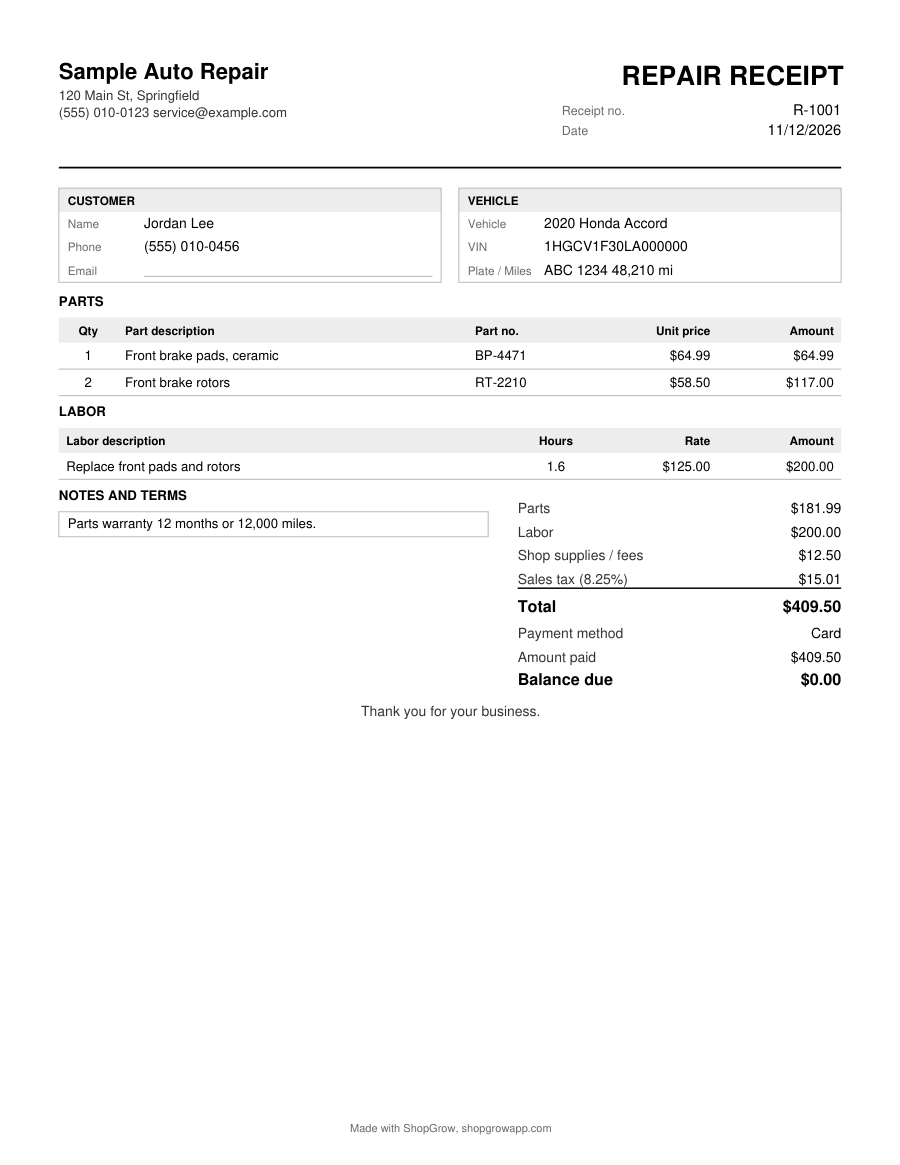
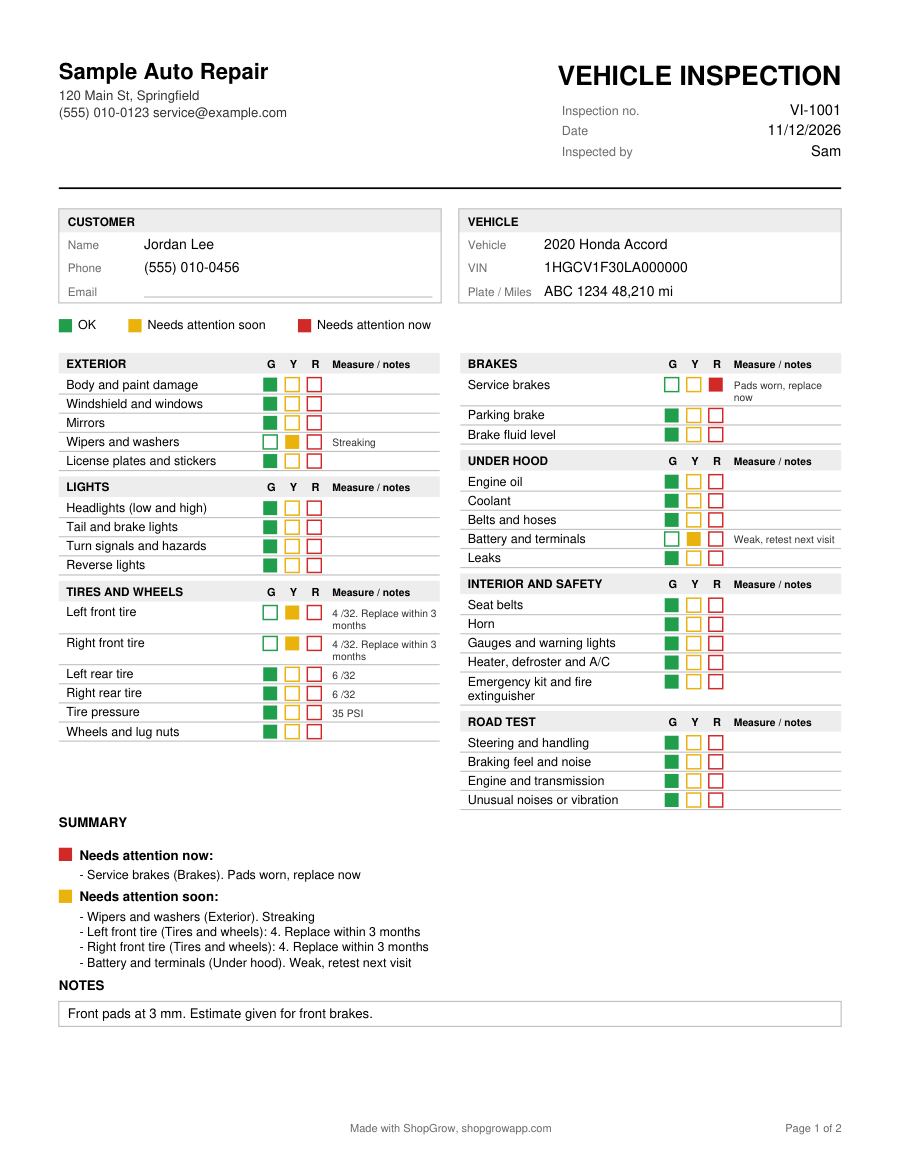
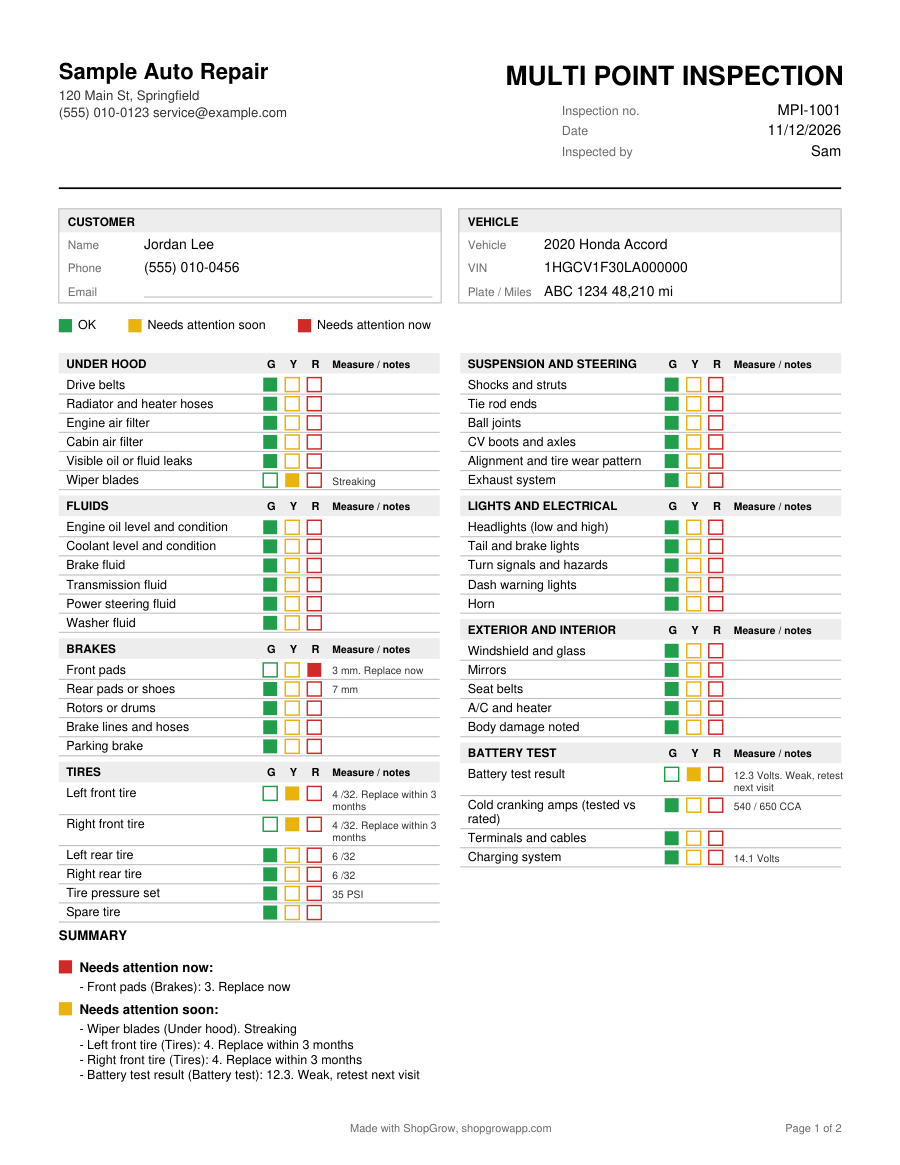
Real pages from this tool, with sample details. Tap one to see it full size.

Prefer to fill it in by hand?

Print the blank PDF. Free, no email needed.

Blank car maintenance log (PDF)

Want it in Word or Excel?

The Starter Kit has all 7 forms as editable Word and Excel files, with the math built into Excel. $29 one time.

See the Starter Kit

What to write in a vehicle maintenance log

A maintenance log is a running list of everything done to one vehicle. It takes a minute per entry and saves guessing later. Each line should have:

  • Date of the service
  • Mileage on the odometer at the time
  • Service performed, such as oil and filter change, tire rotation, brake pads
  • Parts and fluids, with brand, grade or part number when you have it
  • Done by, the shop name or "self"
  • Cost, so you can see what the vehicle costs to keep

At the top, record the year, make, model, VIN and plate so the log always matches the right vehicle.

A filled example

DateMileageServicePartsCost
03/02/202658,100Oil and filter change5 qt 0W-20, oil filter$64.00
03/02/202658,100Tire rotationNone$25.00
07/18/202662,900Front brake padsCeramic pads$210.00

These are sample numbers to show the format. Your costs and intervals will differ.

How to keep the log going

  • Keep the printed log in the glove box with a pen, or bookmark this page on your phone.
  • Write the entry the same day, while the receipt is in hand.
  • Staple or file receipts in date order behind the log.
  • Check the owner's manual schedule each time and note when the next service is due.

Common mistakes

  • Skipping mileage. Most service intervals are in miles, so the date alone is not enough.
  • Only logging big repairs. Small jobs like wiper blades and air filters add up and show steady care.
  • One log for two cars. Keep one log per vehicle.

Before a road trip or a sale, run through the vehicle inspection checklist and keep it with this log.
Questions shop owners ask

What should I record in a car maintenance log?

For each service: the date, the mileage, what was done, the parts and fluids used, who did the work, and the cost. Keep the receipts with the log.

Where is my log saved?

The online log is saved in this browser on this device. It is not uploaded to ShopGrow. Download the PDF to keep a copy, or print the blank log and write by hand.

How often should I service my car?

Follow the maintenance schedule in your owner's manual. It lists intervals for oil, filters, fluids, belts and more, and often has a separate schedule for severe use like towing or short trips.

Does a maintenance log help when I sell my car?

A complete log with receipts shows a buyer the car was cared for. It also answers questions about when parts like the timing belt or brakes were last replaced.

Can a repair shop use this log for customers?

Yes. Shops can print the blank log for customers, or keep one per fleet vehicle. The Starter Kit includes an Excel version that totals the cost column.

More free shop tools